Recently, I had discussions with a couple of people about NotebookLM: our experiences of using it, and the main pros and cons that we had identified, thus far. I have captured some of my thoughts, here, and would be interested to hear about your experiences, too.
NotebookLM is tool developed by Google and powered by Gemini, Google’s Large Language Model (LLM). NotebookLM’s distinguishing feature is that it was specifically designed to assist users to interact with files. Once you create an account, you only need to click on “Create new” to create a new Notebook (notebooks are the equivalent to creating a folder, on your computer).
Then, you upload your sources (currently PDF, txt, Markdown and Audio, only) and, you are ready to go.

If you click on one of the files that you uploaded, you immediately get a short summary, and a number of keywords. You can also take deep-dives into each file using the chat function and following the citation links to see the source of the claim being made. And you can explore patterns and connections using the Audio overview function.
I have been mostly using NotebookLM for three purposes: Writing, teaching and self-reflection. Here is my assessment, so far.
Writing
LLMs, in general, are very good at language and grammar; and, for me, the best use of NotebookLM has been to edit my writing and improve its readability.
For example, last week I was working on a grant application which had very strict character limits for each section. So, I would write freely, then check the number of characters and, if above the limit, I asked the tool to edit it to meet the limit. The week before that, I used NotebookLM to trim words on a paper I had been working on, which was about 10% above the word limit. If you have faced this kind of situation before, you will know how frustrating it is: You end up spending a lot of time fiddling with words, rather than developing arguments and ideas.
Success has been a bit mixed. NotebookLM has been great at finding and cutting repetitions of words and of ideas. It is also great at replacing terms like “After that” with “Subsequently” or “Afterwards” (no use for the character limit, but great for the word limit). However, it does sometimes change the meaning of what I intend to say, or the style / tone I had been using. For instance, in the grant application it replaced technical terms with plain words, which isn’t helpful because I was emulating the language used in the funding call. Of course, I could spend time refining the prompts, going back and forth with instructions and I would, eventually, get there. But, for some of the editing tasks, it’s just easier to do it myself.
Another useful application is to check my argument. I ask NotebookLM to summarise the content of each paragraph in bullet point format. It’s a technique called reverse paragraph planning. It can then use the bullet points to check that I am making the point that I wanted to make, vs. just going around in circles or skipping an important step.
I also find it really helpful as a reviewer. For this, I will say something like: “the text in the file aims to provide instructions for doing x” or “… explain how Y happens”. Then, I ask NotebookLM to assess to what extent the text has successfully done what I intended it to do. When I use NotebookLM this way, I often get useful suggestions for improvement such as “it would help to add an example to illustrate this concept”, or “the example provided is ambiguous”. Or it will say things like, “you seem to be making four points. It would help to number them (1, 2, etc…)”. However, sometimes, the suggestions do not really fit my needs. For instance, NotebookLM recently told me that I should add a paragraph to discuss the implications of what I had written for groups A and B. However, in that type of document, I wasn’t really supposed to do that; and certainly not in that section. Because I am familiar with the expectations, I could decide which suggestions to adopt, and which ones to ignore. But, otherwise, it would have been unproductive to do as suggested.
I also find NotebookLM not particularly good at more creative or whimsy writing tasks, such as coming up with titles or suggesting metaphors. I much prefer ChatGPT for that.
Teaching
I feel a duty to use LLMs in class, as a way of both developing AI literacy and encouraging discussion about the use of these tools.
However, I face two problems when doing so:
- I do not have access to an enterprise licence, meaning that I need to use the free(mium) versions, and
- The free versions of popular tools such as ChatGPT or Claude are very unstable. Michelle Kassorla perfectly summarises the frustration that I feel about this, as an educator.
Thus, when I develop a teaching activity, I need to think carefully about which free tool offers a good combination of features and stability. And, at the moment, NotebookLM is the one that best fits this requirement.
The features that I appreciate are:
- It offers a very generous allowance in terms of how many files you can upload, and their size. This means that I can design exercises that combine multiple sources of information, and which build on each other.
- It links the answer to specific sections of the source documents. This allows us to check the answers provide, detect when it’s just botshit, and have interesting discussions about the suitability of the tool for that type of task. You can also have good discussion about why that mistake happened (which links back to my reflections about the usefulness of NotebookLM to improve writing)
- We can save previous dialogues (including giving them a descriptive name), and revisit them at a later stage. For instance, step 1, step 2… or exercise from week 1, then week 2… This feature, too, helps with building on previous work. However, the links to the source documents stop working, when you save the chat as a note. So, make sure that you check for accuracy, begore you save it and move on.
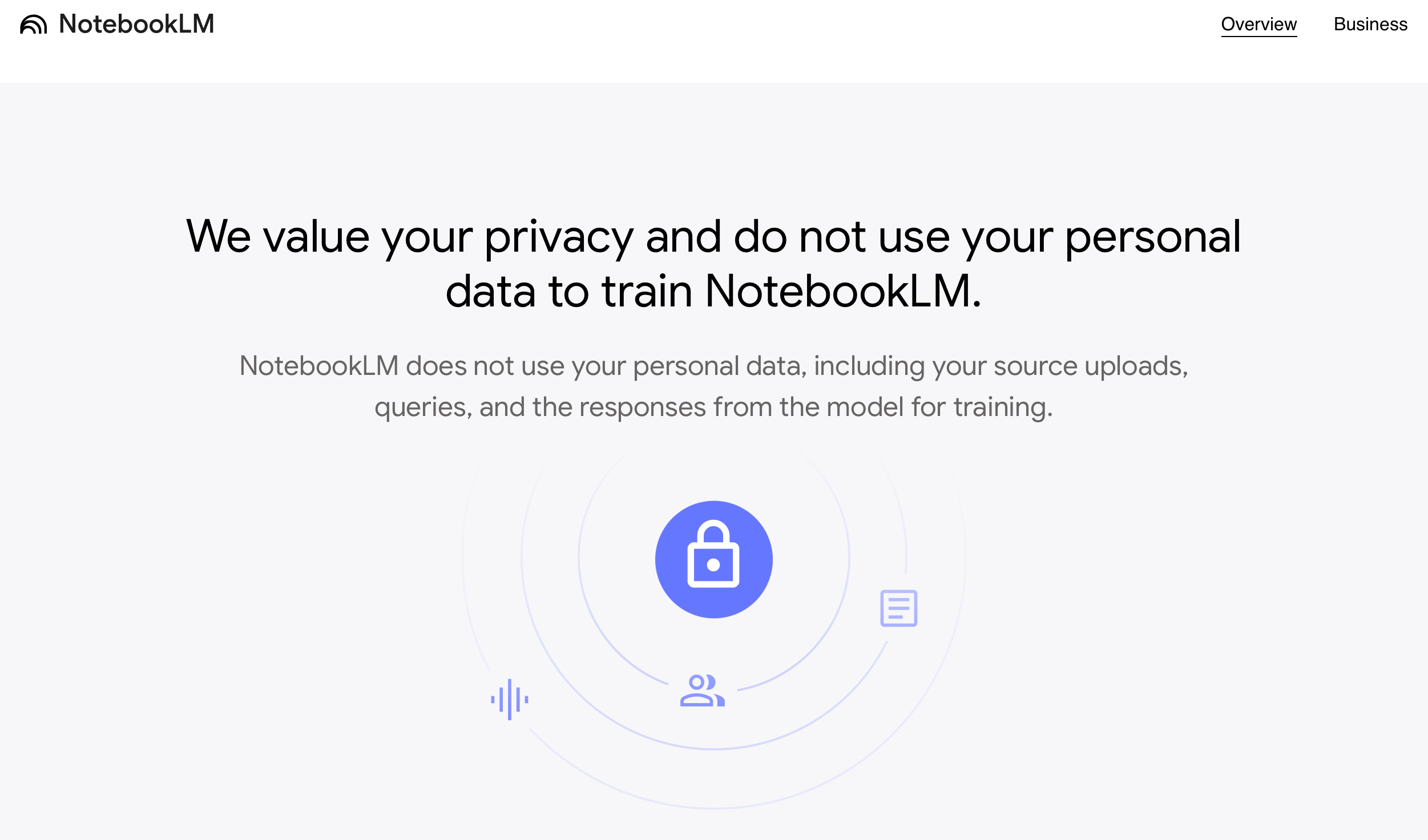
- For the time being, Google says that they do not use the data that we input to train the model. Of course, this can change at any time. And maybe the devil lies in the detail of how they define it. But, you know, it is something.
Despite these benefits, I need to be careful when using NotebookLM in class because it hallucinates and fabricates information.
For instance, in an exercise about qualitative data analysis, I asked NotebookLM to extract quotes from the sources that I had uploaded, to illustrate an argument about digital inclusion. It gave me a beautiful quote about digital access being a lot more than just providing broadband. Except that… it was wrong. It wasn’t even an issue of misunderstanding the meaning. It was just complete fabrication because there simply was no mention to broadband, at all, in the whole document.
Self-Reflection
I keep a research diary where I jot down what I am working, the progress I am making, the hurdles I am facing, etc… I also rehearse specific arguments (e.g., drafts of letters for project advisors), make plans (e.g., journals to target for idea x), and so on. Then, at the end of the month, I quickly read through the various entries and write a short summary of how the month went, reflect on lessons learned, and make plans for the next month. Then, I close that file, and start a new one for the next month. [this monthly reflection process is the basis of my round-up blog posts].
Back in September I experimented with uploading that month’s entries to NotebookLM and, then, used the audio overview function to interact with that file.
It was fun, albeit a bit cringy, to listen to those two voices discuss the entries I had put together. It actually gave me a different perspective on some of the things that I had written about. For instance, while I had been frustrated with my lack of progress on some tasks, the overview was very upbeat. The cheerful tone and overall positive evaluation of progress done actually helped me feel better about the progress made, and how I could improve going forward.
Likewise, the discussion seemed to pick up on trends and connections between the various projects discussed. For instance, it would say thinks like “It seems that you struggled with X in relation to project A but not in relation to project B. That might have been because of this and that”. Some of these conclusions / interpretations were complete rubbish, but others were actually insightful, and I used that insight when scheduling some tasks for the following month.
So, I can see NotebookLM being helpful as a cheerleader or even a mentor.
Though, I can also see how this could take a dark turn. For instance, if it becomes the only source of feedback that someone accesses.
Again, there were instances of pure fabrication. For instance, it would make up names for the acronyms that it encountered. And it wasn’t a case of me using initials that could be confused with popular acronyms like, say, UN or WHO; or the tool being tentative about it. No, it was just completely made up, without any qualms or hesitations. If I didn’t know the text, I would have completely fallen for it.
Finally, even though Google says that it doesn’t collect personal data, I would not share any personal details, or indiscreet confidences. It’s a bit like expecting that the scorpio will not sting you.
In summary, for me, NotebookLM offers promising possibilities for enhancing writing, teaching, and self-reflection and, in some ways, it is clearly a peg above other free tools. But there are still significant limitations around hallucination and fabrication, which demand caution.
How have you been using NotebookLM to support your work?

 Ana Canhoto
2 thoughts on “From Writing Assistant to Teaching Tool: My Experience, so far, Using NotebookLM”